Tudip
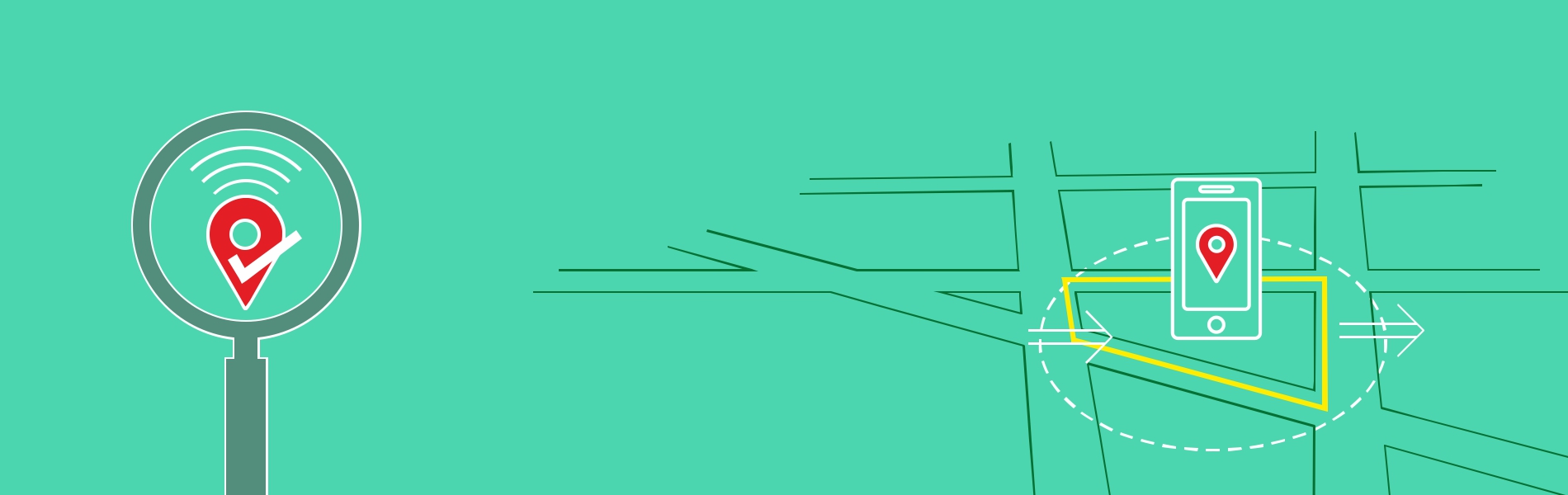
A Geofence is a virtual fence set on a real geographical area. This feature uses the Global Positioning System (GPS), Radio-frequency Identification (RFID), WI-Fi or Cellular data to define geographical boundaries.
While testing the application, we need to keep path tracking accuracy and power consumption in mind all the times. Error margin should be less as much as possible.
Types of Geofence
Geofencing is a term that can be used in many different contexts but the most popular ones are hereby:
- It has the ability to detect a phone entering the area and triggering something either in the device itself or somewhere externally that will detect the presence.
Ex: When you walk past one of your registered outlets, your entry will be recorded as you have been to the area. Another classic example is when you walk past to your favorite bakery store, you get a discount coupon.
- Another one is to move around with phone and phone will capture the path that will create the geofence polygon. The area covered by the geofence polygon should be equal to the physical coordinates of the area.
Ex: Suppose you are traveling to the office from your home and coming back with this feature ON in your phone, it should cover approximately the same path and area as per the real geographical area.
- When you are creating a Geofence on the map in your phone, the Geofencing does not require you to build anything physical in the real world. It all happens digitally. The area covered in the polygon on the map of your phone should be equal to the physical land present where you created the geofence.
Ex: If you are standing in your land and creating the geofence around it, you should be able to create the geofence with the same shape, size and with the exact same area of your house.
Some handy points while testing Geo-fencing
- The phone should have the basic features ON such as GPS positioning with high accuracy
- The Cellular data should also be ON which would help in the loading of the maps which was not previously cached in the phone local storage.
- Some phone has the feature to freeze the application when the application is in the background which saves the battery usage. So we need to manually allow the background usage of that application.
Steps are:
-
- Settings -> Installed Apps -> find your application -> Battery Saver -> No restrictions.
- Settings -> Installed Apps -> find your application -> Autostart
- Basic knowledge of DataBase testing is important so you would be able to fetch lat-long from the DB and to plot polygon to match the created fence which should have the same shape as per actual land.
- We also need to take care of error margin, the less the better.
Score Tip
Last but not least: Read, read and read to increase efficiency and try to apply 360 degrees approach testing. Keep on reading books, blogs, Magazines and case studies related to Geo-fencing testing.
Happy Testing!