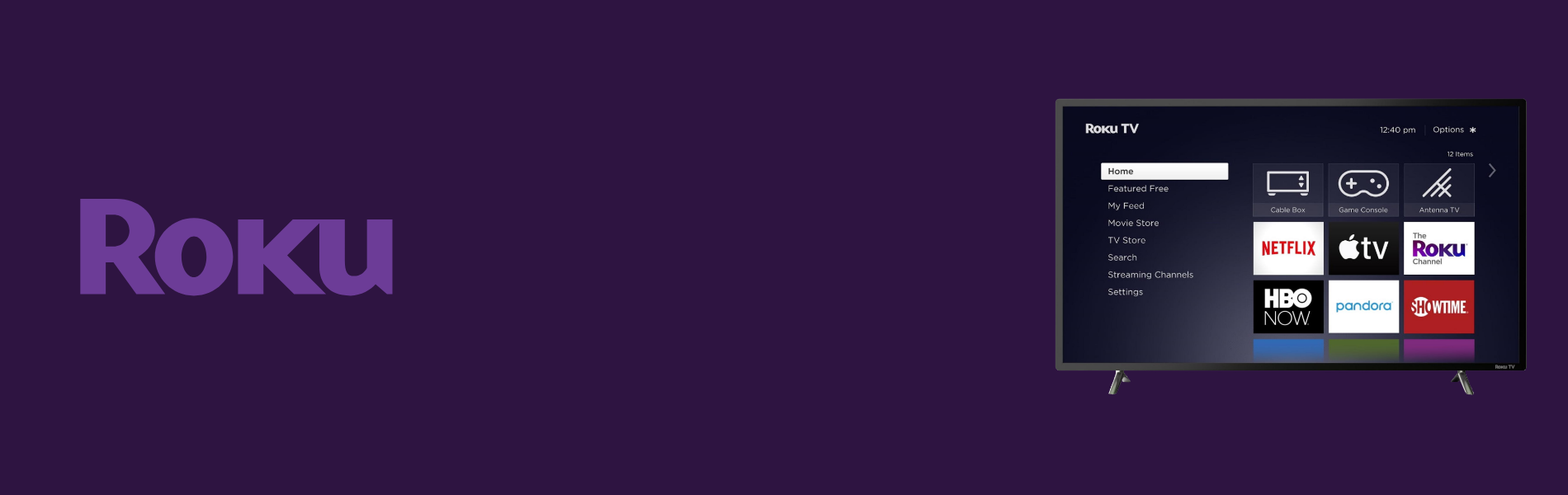
Roku is just not awesome only for development, it has an interesting role for testing it.
Testing roku channels are fun in their own way, either it is a streaming channel or game channel. This post will be useful for all the budding and growing testers who are willing to dive into testing this super awesome streaming device.
What is a Roku TV device?
It is a device that we plug through HDMI cable into the TV’s in order to watch the streaming apps over the internet.
Ex- Netflix
Here is the basic things that we need to check in any other applications:
System Update:
Different apps and devices have different upgrading processes. In Roku, we can update the apps and OS updates by updating the system. Apart from that, channels can also be updated manually by navigating to the options menu for that particular channel.
Channel -> Asterisk symbol on remote -> Check for Update
Apps are automatically updated after a few intervals of time but we can also update the apps up to the latest build version and check the behavior of the application after app update.
Here is the flow for the in order to update the system/apps.
Settings -> System -> System Update
Apart from that here is the basic things that we need to check in any other streaming applications:
Login Flow:
As every application has their login in order to access the apps. So few things should be required in order to check the login flow into the application.
- Login with valid username and valid password
- Login with invalid username and valid password
- Login with valid username and invalid password
- Login with empty username and empty password.
Video Streaming:
Whenever you are going to check the video streaming apps following things require to keep in mind:
- Loading time of the video player.
- Video Quality
- All the tricks (forward, rewind, pause and resume) should work properly.
- Audio of the video should be audible properly.
- Proper internet connection in devices should be required for video streaming.
- Verify the video behaviour when forward and fast-forwarding the video.
- Verify the audio behavior when forward/rewind and fast-forwarding fast-rewinding the video.
- Verify the progress bar timer on the video player.
- Video should not be distorted or pixilated while streaming the video.
- Video players should be adjustable to the video streaming player’s screen size.
- Total duration of the video is displayed or not.
- While resuming the video, it should maintain the last position of the video player.
- Need to check the behavior if the video paused for an hour and if the user resumes the video then ist should get started from its paused point.
- Buffer should display when there is a network problem.